
Add and Subtract 10 or 100 in Your Head Worksheets for 2nd Grade
Add or subtract 10 or 100 from a three-digit number without writing it out. 15 free printable worksheets, each with an answer key.
Save to PinterestFree Add and Subtract 10 or 100 in Your Head Worksheets
Click a worksheet to open the PDF, or grab the matching answer key. Every sheet prints on one page.
 Worksheet #1
 Worksheet #2
 Worksheet #3
 Worksheet #4
 Worksheet #5
 Worksheet #6
 Worksheet #7
 Worksheet #8
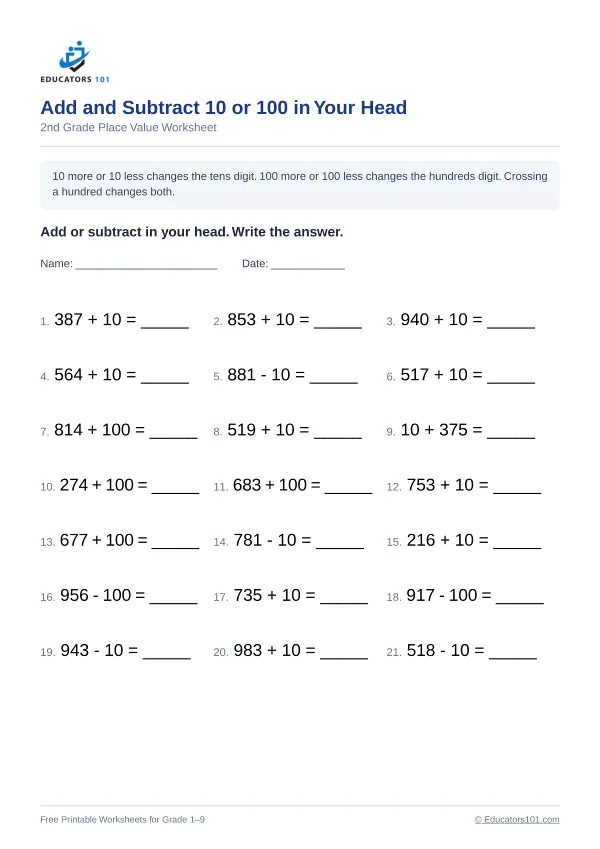 Worksheet #9
 Worksheet #10
 Worksheet #11
 Worksheet #12
 Worksheet #13
 Worksheet #14
 Worksheet #15
Add and Subtract 10 or 100 in Your Head: what children learn
Second graders add and subtract 10 or 100 mentally. Adding or taking away 100 changes only the hundreds digit. Adding or taking away 10 changes the tens digit, unless the count crosses a hundred (like 395 + 10 = 405), when the hundreds digit changes too. This builds on place value and is a first step toward mental math.
Add and Subtract 10 or 100 in Your Head: worked example
347 + 10 = 357
Adding 10 makes the tens digit 1 more. 347 + 10 = 357.
Add and Subtract 10 or 100 in Your Head: a common mistake to watch for
Kids sometimes change the ones digit instead of the tens digit when they add or subtract 10.
Add and Subtract 10 or 100 in Your Head: how to help at home or in class
Toss a soft ball back and forth. You say a number and either ten more or ten less, and your child answers as the ball comes back. Start with only 100 more, then only 10 more, then mix them, and eventually try numbers that cross a hundred, like 290 + 10 = 300. When your child answers in a second or two with no counting on fingers, two-digit addition is the next step.
What is on these Add and Subtract 10 or 100 in Your Head worksheets
This set has 15 different worksheets for 2nd grade, with 21 questions on each and a matching answer key for every sheet. The instruction printed on each worksheet is: “Add or subtract in your head. Write the answer.”
Example questions like the ones on these worksheets, with their answers:
- 931 + 10 =941
- 585 + 100 =685
- 545 + 10 =555
- 362 - 10 =352
- 744 - 100 =644
- 871 - 10 =861
- 331 - 100 =231
- 436 - 100 =336
Every answer on every sheet is checked by a separate program before the worksheet is published. How we check answers